Overview
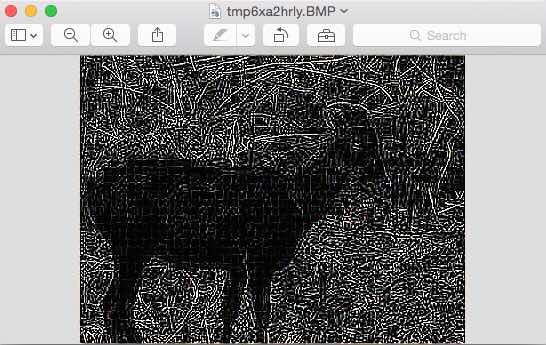
Pillow - The Python Image-processing Library provides various image filters including the edge detection filters and edge enhancement filters.
Like the other image filter implementations provided by Pillow, edge detection filter as well is implemented using a convolution of a specific kernel onto the image.
The convolution matrix used by pillow for the edge detection is given by:
(
-1, -1, -1,
-1, 8, -1,
-1, -1, -1
)
Example
from PIL import Image

from PIL import ImageFilter

# Create an image object

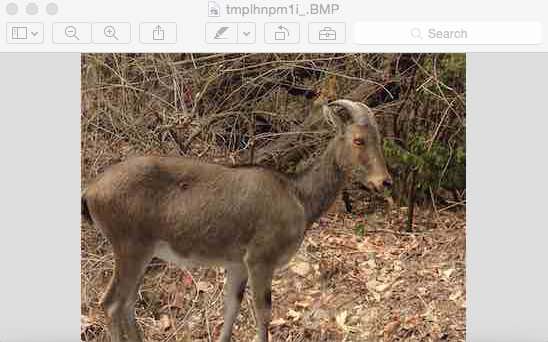
image = Image.open("./goat.jpg")

# Find the edges by applying the filter ImageFilter.FIND_EDGES

imageWithEdges = image.filter(ImageFilter.FIND_EDGES)

# display the original show

image.show()

# display the new image with edge detection done

imageWithEdges.show()
Output